


Characters look different between panels
Stabilize identity, clothing, references, and redraw scope before regenerating more of the project.
Time: 10–20 minutes for one focused correction pass.
Change one variable at a time. Regenerating the full project with a much longer prompt often introduces more variation.
Identify the type of drift
Compare the affected panel with the best reference panel and note exactly what changed:
- face or apparent age;
- hair, eye color, or skin tone;
- clothing or accessories;
- body proportions;
- art style or rendering detail;
- character identity or speaker assignment.
Stabilize the character definition
- Use one stable character name everywhere.
- Keep a short identity block with the same defining details, for example hair shape, eye color, age range, signature clothing, and one unique accessory.
- Separate temporary emotion or pose from identity details.
- Use the clearest available character reference. Avoid references where the face is tiny, covered, heavily distorted, or shared with many people.
- Keep the intended style consistent across the project.
Correct only the affected panel
- Select the inconsistent panel.
- Confirm that the correct character or reference is attached to that panel.
- Edit the panel prompt so it repeats the stable identity details and describes only the required pose, expression, and scene.
- Use Redraw for that panel.
- Compare the redraw with neighboring panels before accepting it.
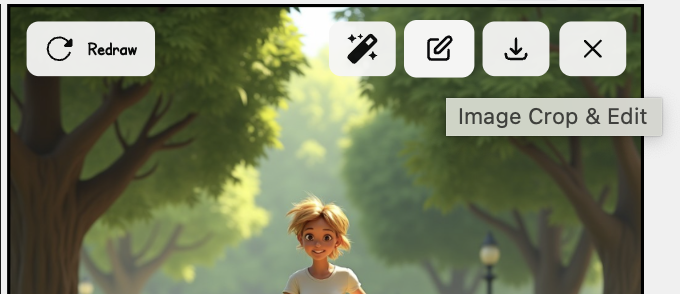
If the redraw still drifts
- Use a cleaner reference with a visible face and defining clothing.
- Reduce conflicting style instructions.
- Simplify scenes with many characters, then add complexity in a later pass.
- Check that two characters do not share nearly identical descriptions.
- Keep the strongest prior result and redraw only the weakest panel.
Character consistency is not guaranteed. Review every panel before publishing, especially after changing style, age, clothing, or camera distance.
Was this article helpful?
Upload formats, size limits, and reference images
Resolve rejected, stalled, or missing uploads without relying on one limit for every LlamaGen tool.
Fix speech bubbles, text, fonts, and reading order
Separate generated artwork from editable dialogue and correct speaker, layout, and legibility problems.